
Billing & plans
Users and team access
Invite colleagues, manage roles, and keep login details safe.
- users
- roles
- invite
- team
- mfa
Invite your team
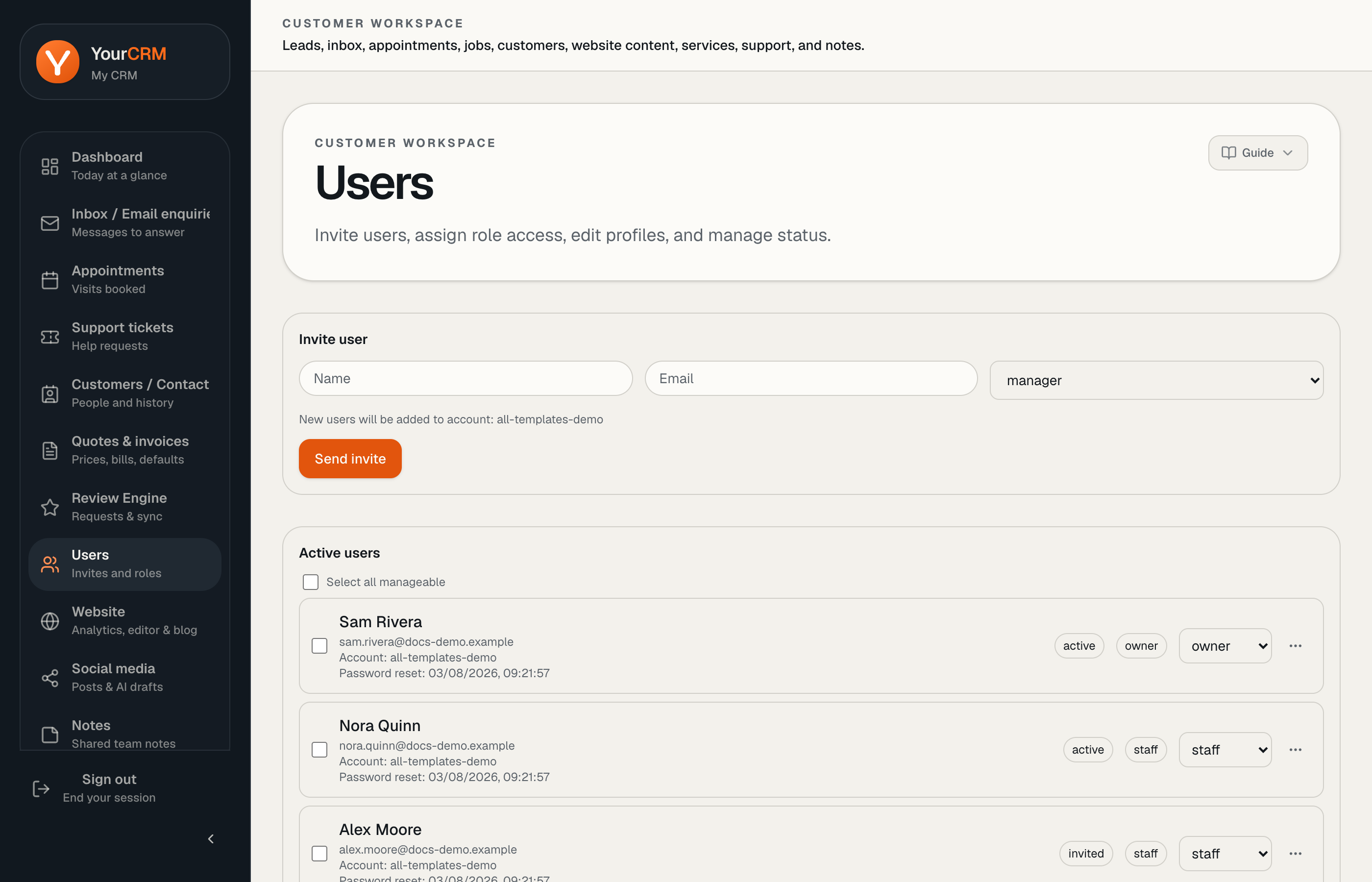
Open Users in the sidebar. Invite people with their work email and assign an appropriate role so they only see what they need.
Passwords and MFA
Each user should set their own password. Admin accounts may be required to enable MFA. Never share one login across the whole company if you can avoid it — shared logins make support and security harder.
When someone leaves
Remove or disable access promptly from Users so ex-staff cannot open inbox, customer data, or the website editor.
Need help with access?
If an invite email does not arrive, check spam first, then open a Support ticket. Include the email address you tried to invite.