
Support tickets
Opening a support ticket
When to use tickets, which category to pick, and what statuses mean.
- support
- tickets
- help
- website-change
When to use a ticket
Use Support tickets for help from the YourCRM team — technical issues, website change requests, DNS/domain, SSL, email, billing questions, feature requests, and similar.
Day-to-day sales enquiries from *your* customers belong in Inbox, not tickets.
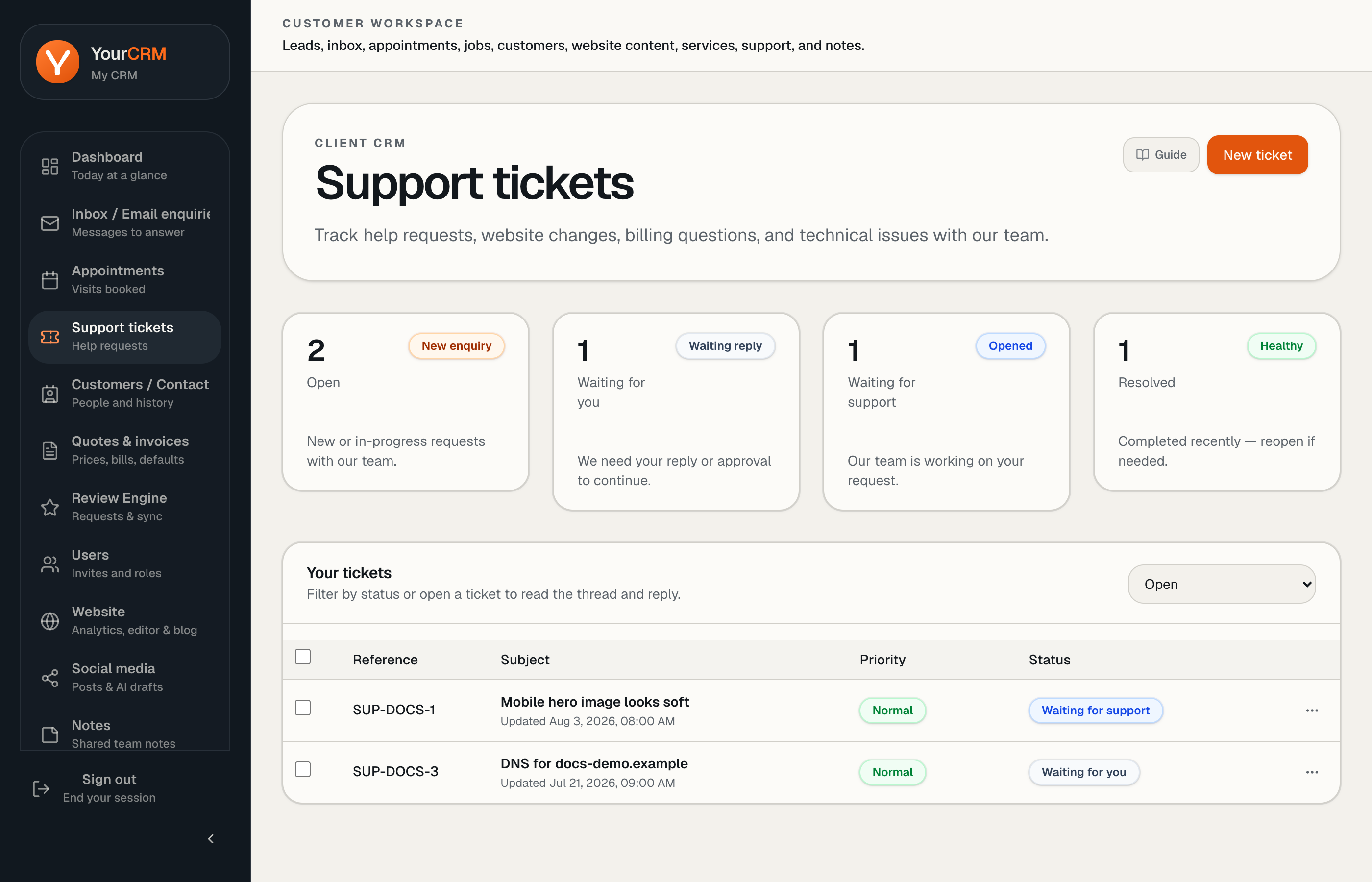
Create a ticket
- Open Support tickets → New ticket.
- Pick a category (General help, Technical issue, Website change, Domain/DNS, SSL, Email, Billing, Feature request, Hosting, Other).
- Write a clear subject and describe steps, URLs, and screenshots where useful.
- Attach files if they help (error screenshots, brand assets).
Statuses you will see
Typical customer-facing statuses include Open, Waiting for you, Waiting for support, Waiting on 3rd party, Pending, Resolved, and Closed.
If a ticket is resolved, you can reopen if you still need help on the same issue.
What to expect
Support replies in the ticket thread. Keep the conversation there so context is not lost in email chains. Support tickets are available on all plans — response times depend on queue volume. Tickets are the reliable channel for account changes.
Device note
Some ticket views are tied to your signed-in browser session. Prefer the same device/browser when following an active thread, or sign in again on the new device.