
Blog & social
PlusPublishing blog posts
Draft with AI assistance, save in the CRM, and publish so posts appear on your live site.
- blog
- publish
- flexpost
- ai
- seo
Who can use Blog
Blog is part of Blogs & Social (Plus / paid add-on). If it is not enabled on your account, the CRM shows an unlock panel with options to add the add-on or ask support.
From Website analytics, open Blog, or go to /website/blog.
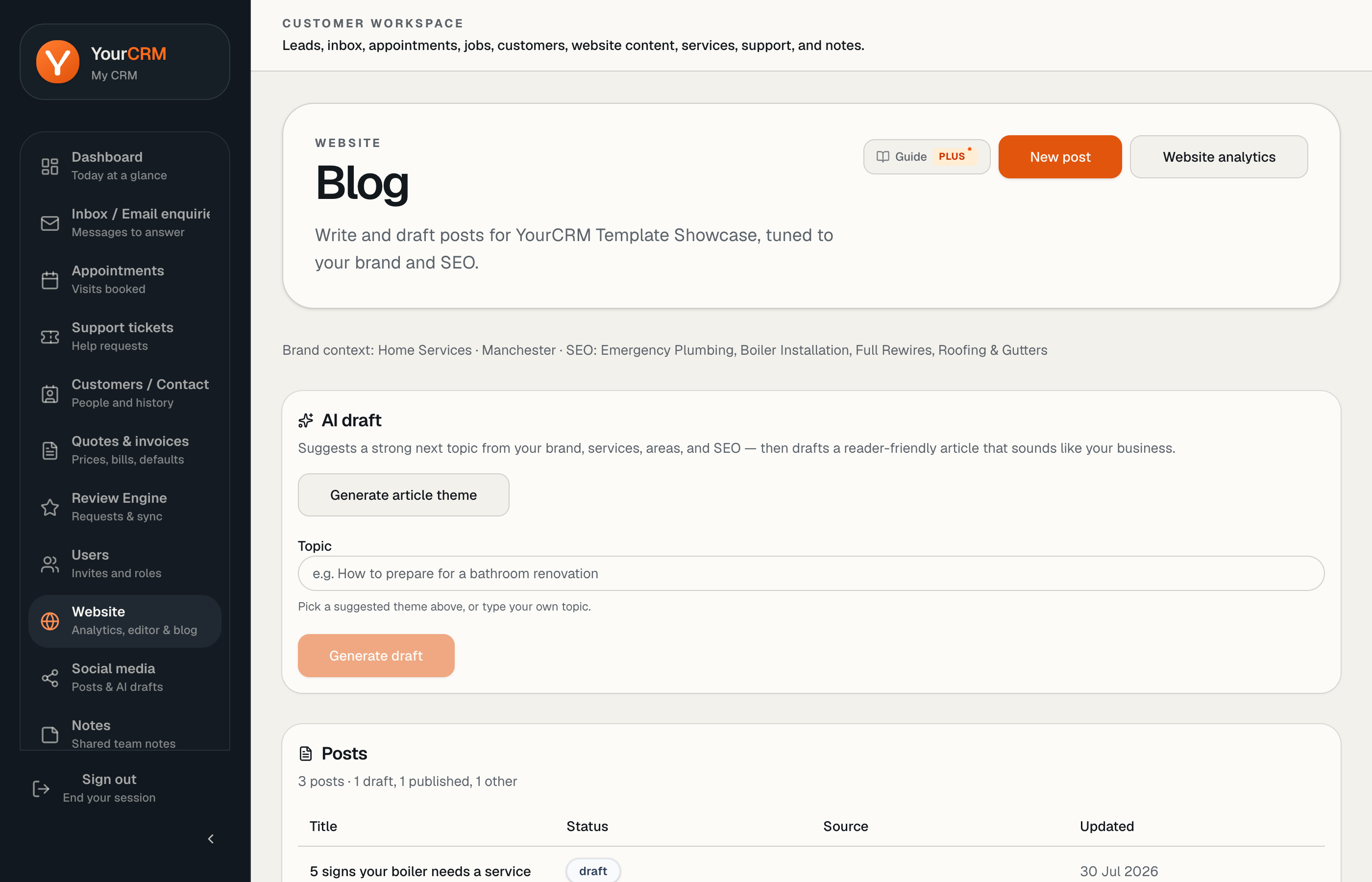
Draft → publish
- New post — write yourself or use AI theme suggestions / drafts based on your brand (business name, services, tone, SEO keywords).
- Save keeps a CRM-only draft.
- Publish sets the post live and syncs it onto your website (typically under
/blog/). Navigation and footer can show Blogs when posts exist.
You can return later to edit a published post and save or republish.
What “AI” means here
AI helps with outlines and first drafts tuned to your brand context. Always fact-check phone numbers, prices, claims, and local details before Publish.
Tip
One clear post about a real recent job often outperforms generic “tips” articles — especially for local trades.