
Reviews
PlusSet up the Review Engine
Turn on automated check-in, review-ask, and reminder emails after complete and paid jobs.
- reviews
- trustpilot
- automation
What the Review Engine does
Open Review Engine in the CRM sidebar (/reviews).
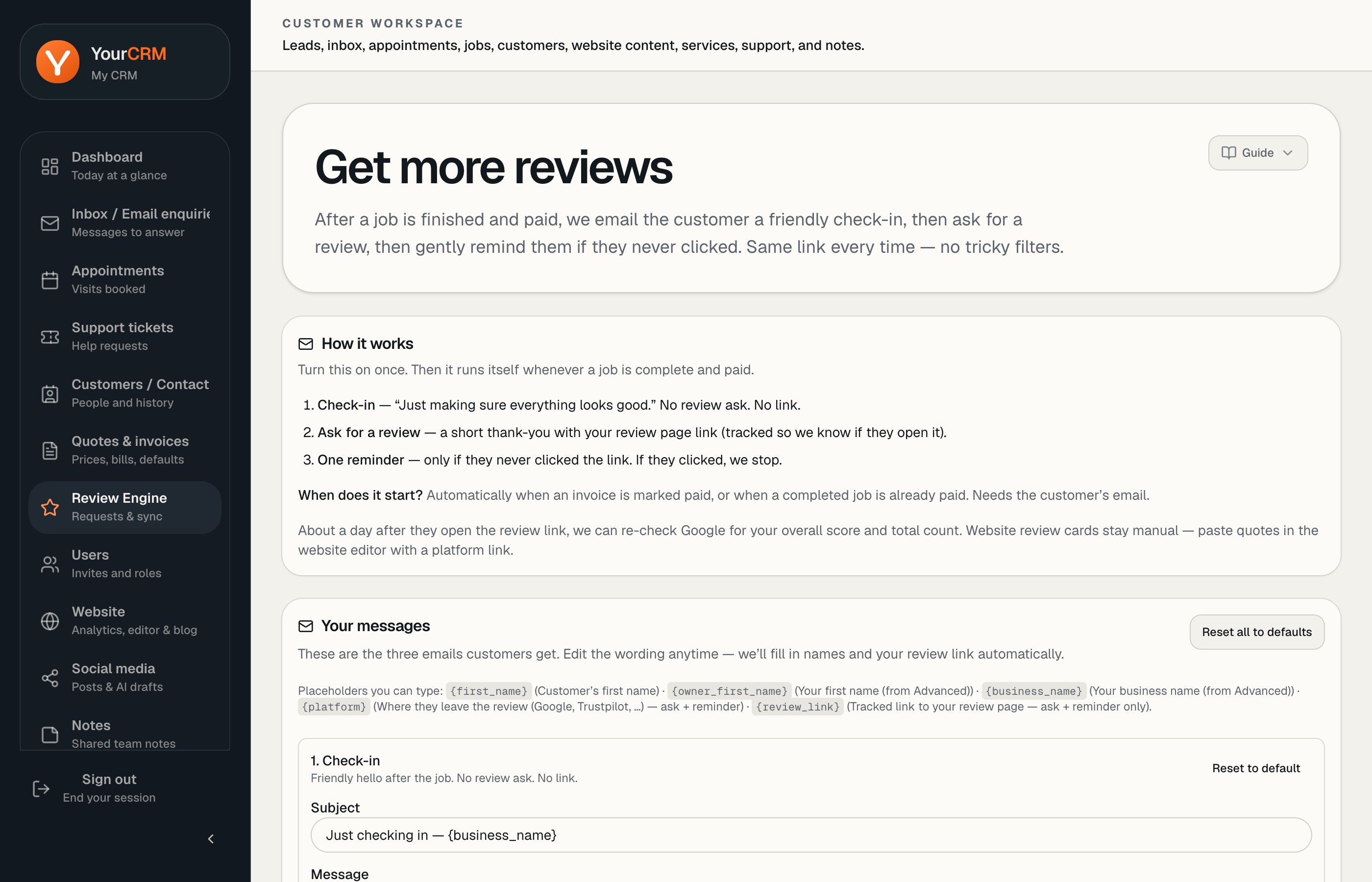
When a job is complete and paid (for example an invoice marked paid), YourCRM can email the customer a short sequence:
- Check-in — friendly follow-up, no review link
- Ask for a review — includes your tracked review link
- Reminder — only if they never clicked the link
The same review link is used throughout — no complicated filters.
Turn it on
- Set your review page (Google, Trustpilot, Facebook, Checkatrade, Rated People, or a custom URL).
- Enable Send review emails after complete & paid jobs.
- Edit the message templates if you want — placeholders such as
{first_name}and{review_link}are supported.
Customers need an email address on the record for messages to send.
Sync score and count
Where supported, you can sync an overall rating and review count from Google (Place ID) or Trustpilot (unit ID) so the site hero/trust strip stays current.
Individual testimonial cards on the website stay manual — sync updates the aggregate score/count, not every quote block.
Plus positioning
The Review Engine is part of the Plus growth toolkit on yourcrm.org. Automated review requests run by email (not SMS).